

Cash at the desk
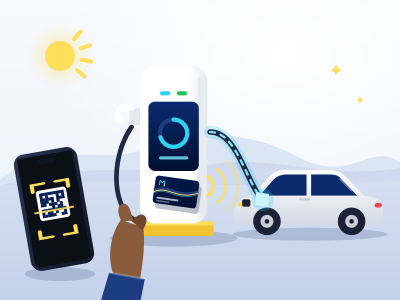
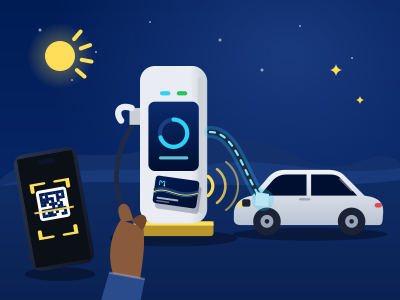
Show the QR code from the app. The cashier scans it, takes the cash, and your balance goes up at once. The code works once and lasts 10 minutes.
One account for the app, your Pass, your wallet and your receipts.
The app
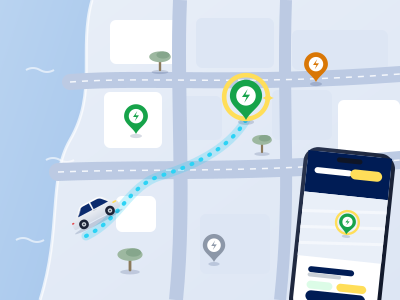
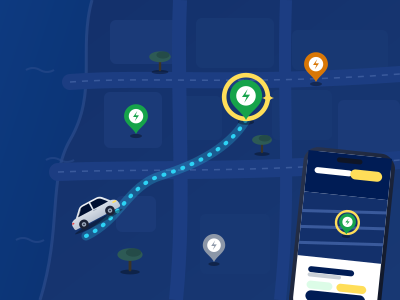
The Movanect web app runs on any recent phone or computer. Add it to your home screen and it opens like an app.
Movanect Pass
Every account gets a Pass in the app with its own QR code. You can also ask for a physical card from the app.
Wallet
Your wallet is in Burundian francs. Each charge is paid from it, and every movement appears on your statement.
Top-up
Show the QR code from the app. The cashier scans it, takes the cash, and your balance goes up at once. The code works once and lasts 10 minutes.
Make the transfer, then declare it in the app with the bank reference or a proof. Your balance goes up once it is approved, usually within 1 working day.
Prices
The app shows the price per kWh, VAT included, for the connector you choose. Some tariffs change with the time of day, and some have a minimum charge or a fee if the car stays plugged in after charging. When they apply, the app shows them first.